
 Otto
OttoClose the laptop.
The agents keep working.
Otto runs your OpenCode agents on a cloud machine and puts them in a beautiful app on your desk and in your pocket.
Shut the lid mid-task.
The agent isn’t on your laptop. It’s on a machine in the cloud that Otto set up for you.
Nothing stops.
Reading, editing, running the tests, fixing what failed. For hours, if that’s the job.
It asks your phone.
When a step needs a yes, the question finds you. Answer it, put the phone down, go back to sleep.
- readsrc/server.ts
 OTTO now
A real app.
Not a terminal in a tab.
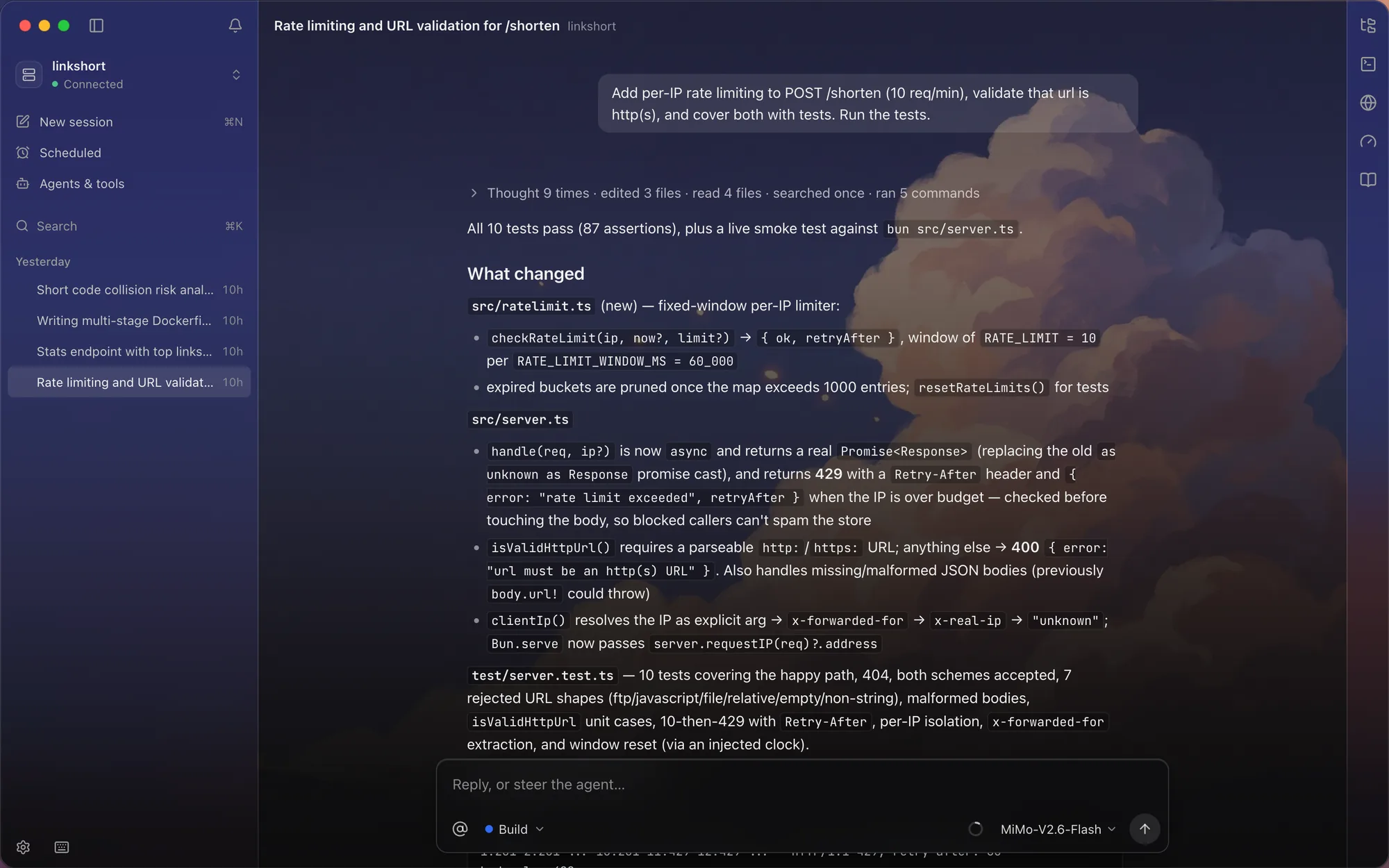
Watch it work.
Replies stream in as they’re written. Every file it reads, every edit and every command is listed, step by step. Stop it or steer it any time.
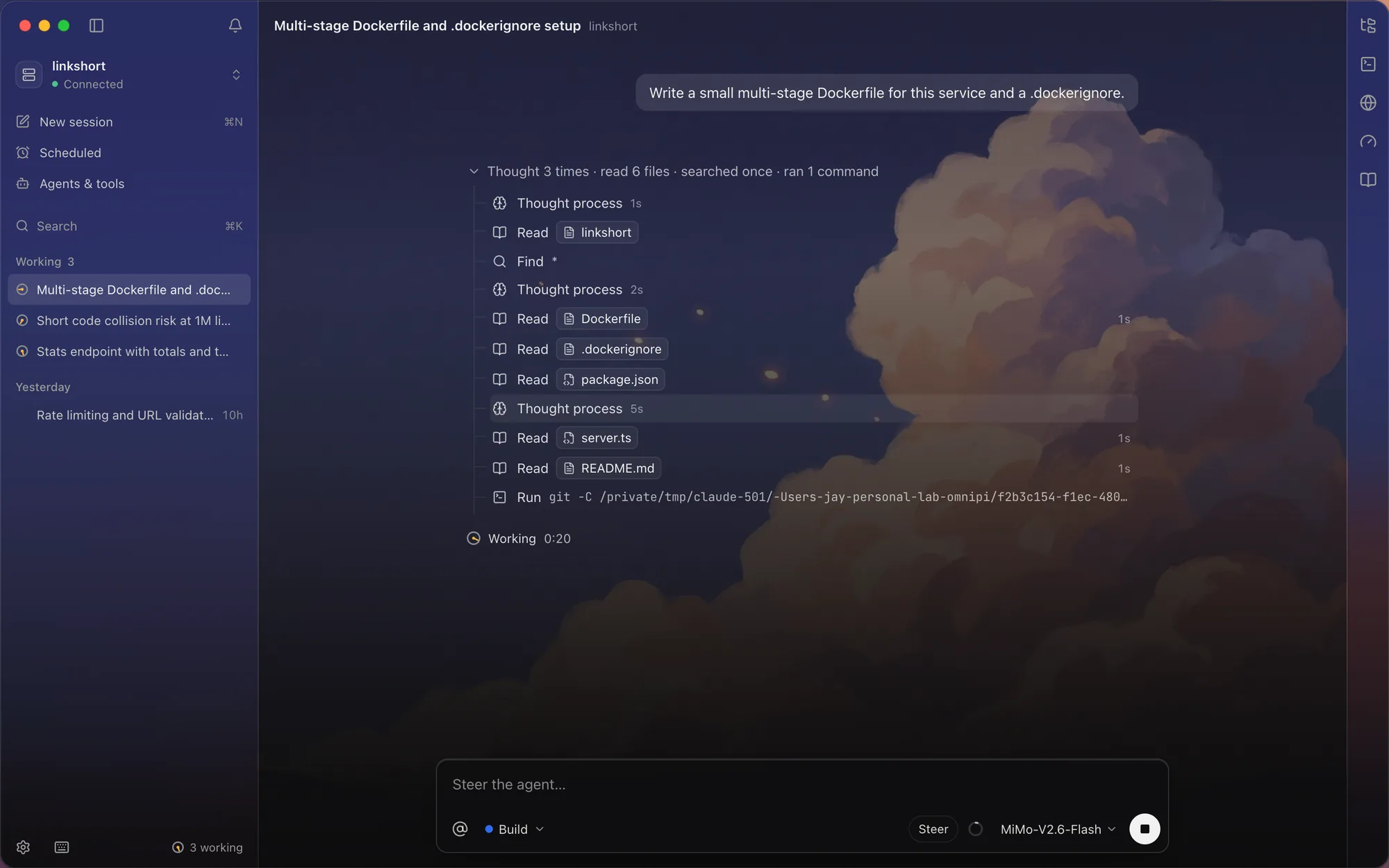
Run a few at once.
Each agent gets its own session. Start three, switch between them, let them all run.
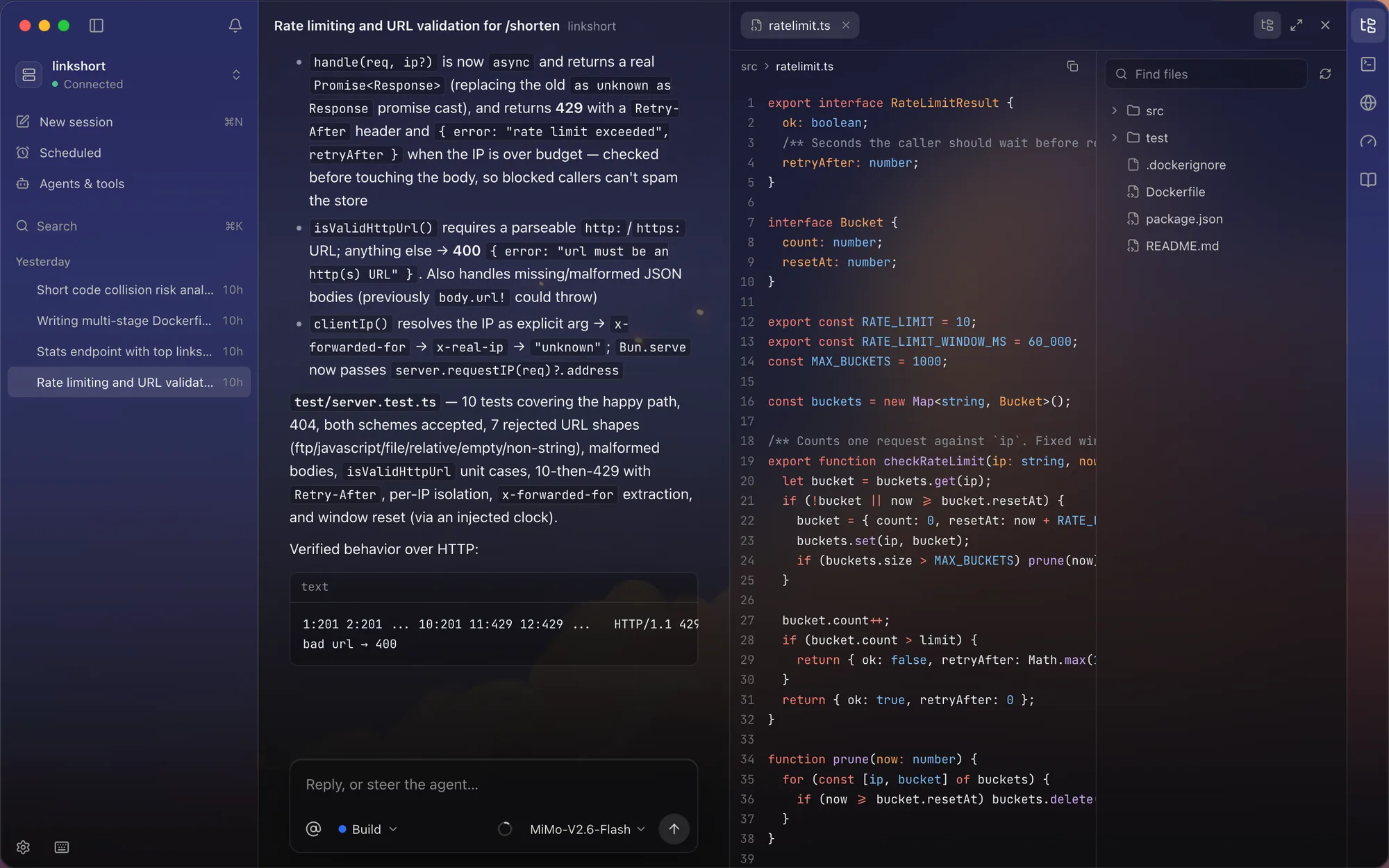
Read what it wrote.
The file tree and the code, right next to the conversation, with syntax highlighting.
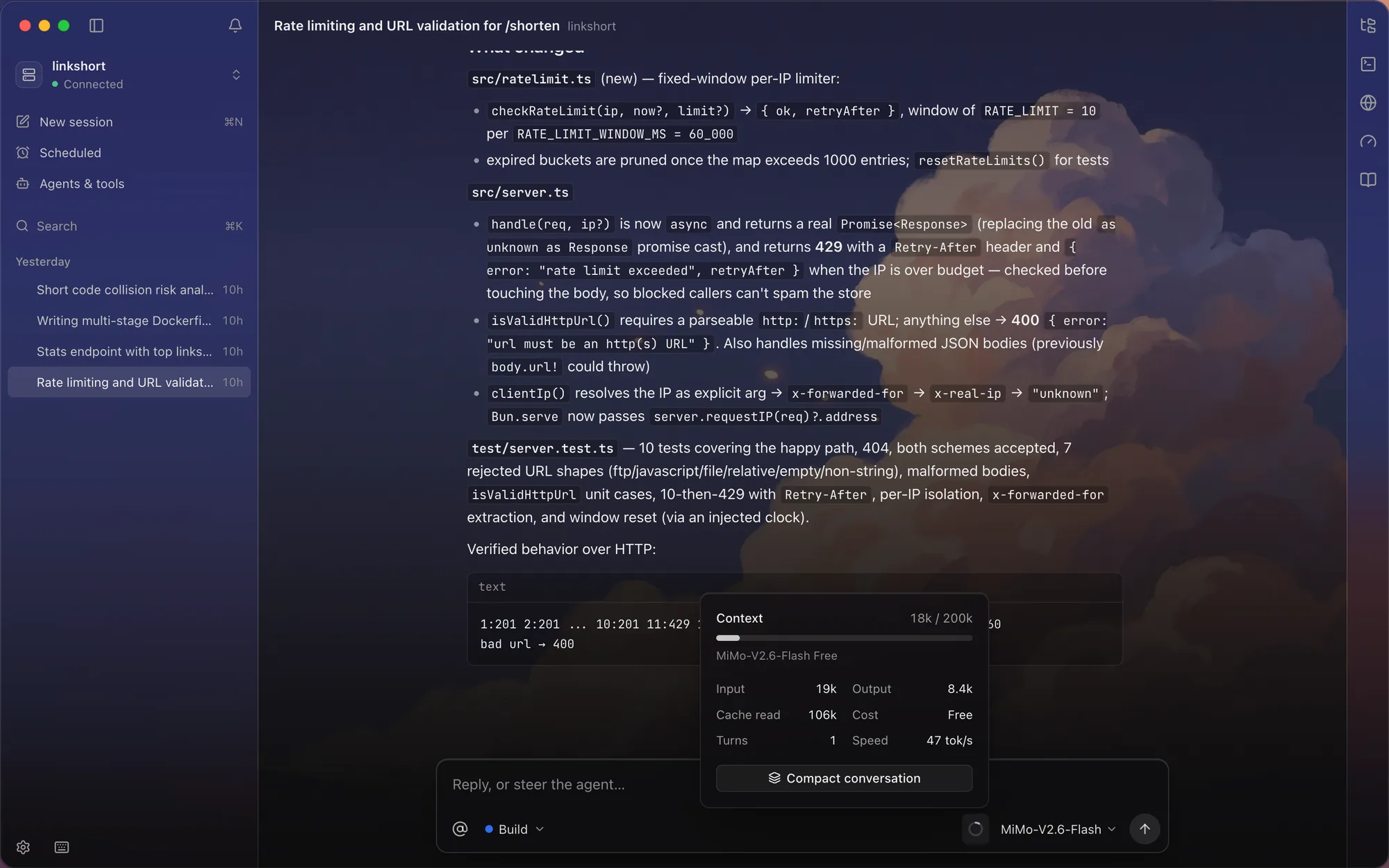
See what changed.
Every changed file, the context it used, the tokens and the cost, for every session.
Find anything.
Sessions, agents, panels, settings. All one keystroke away.
Make it yours.
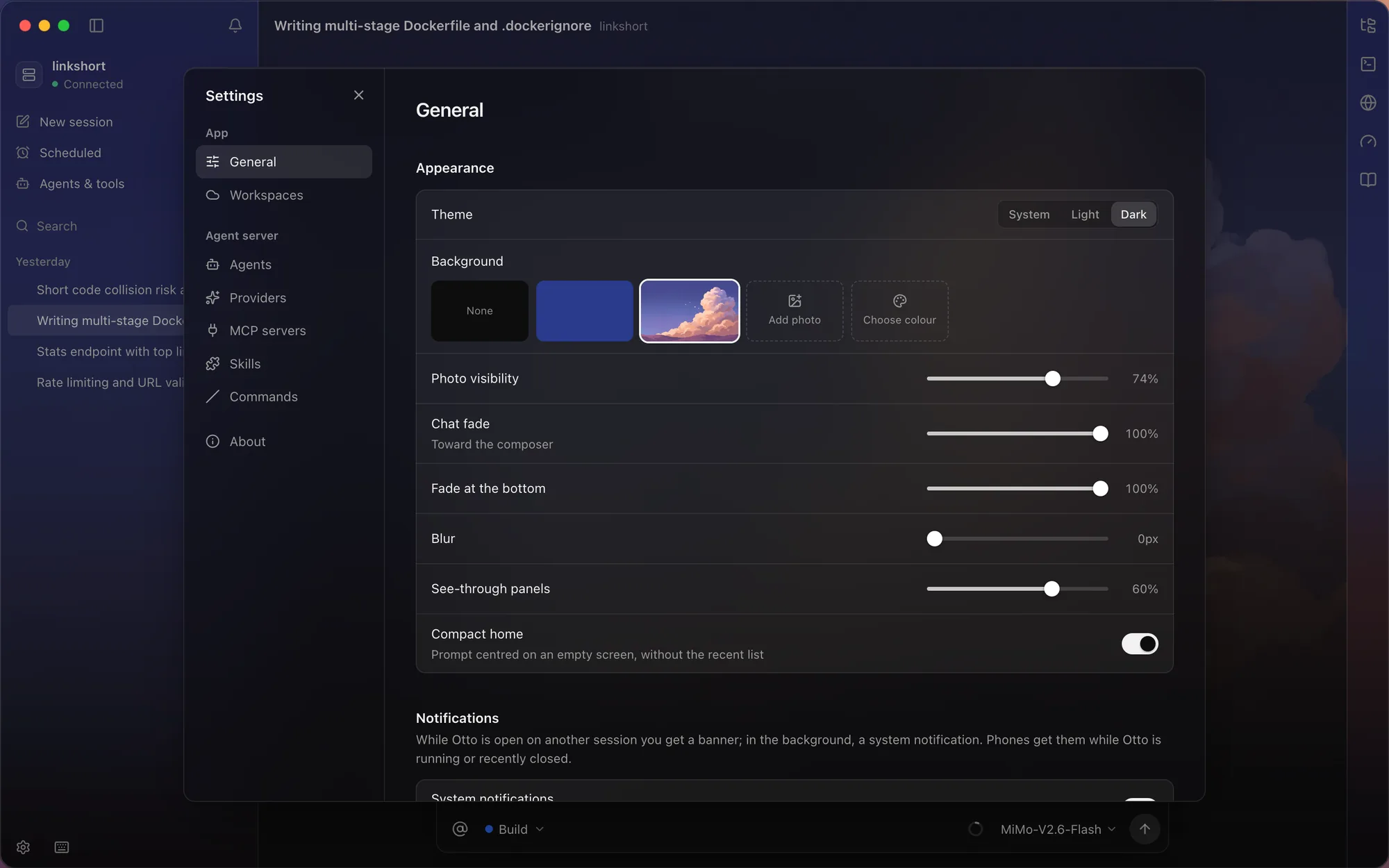
Light, dark, or your own photo behind frosted glass. It sits on your desk all day; it should look like it belongs.
You set the rules.
It keeps the hours.
- read**
- editsrc/**
- bashbun test*
- bashgit push*
- read.env*
- mcpgithub · create_issue
Allow, ask or deny, per tool, per skill and per MCP server, with patterns for paths and commands. Anything set to ask waits for you, wherever you are.
- Run the test suiteEvery night03:00
- Summarize yesterday’s changesWeekdays07:30
- Triage new issuesMondays13:00
Schedules are cron jobs on the agent machine, so they run with Otto closed and every device you own asleep. The hand is your time right now.
Your laptop is just
the window.
Free, open source,
and yours.
curl -fsSL https://jaygupta.dev/otto/install.sh | shAlso: Intel Mac
Not notarized yet, so the command above is the easy way in. With the .dmg, open Otto once, then click Open Anyway in System Settings → Privacy & Security.